Qawtor HY330 Portable Mini Projector – 350 ANSI
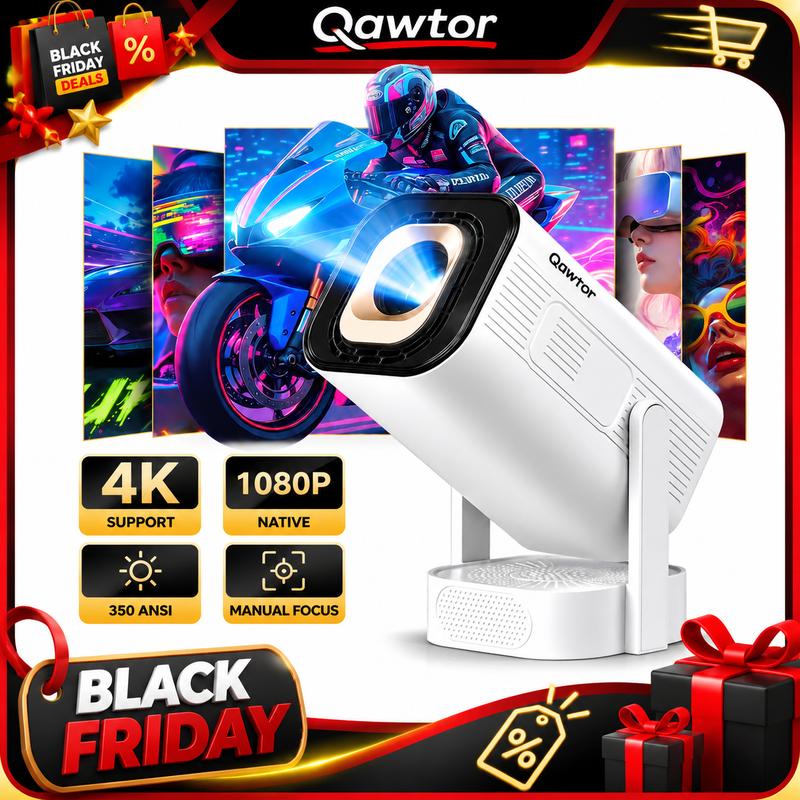
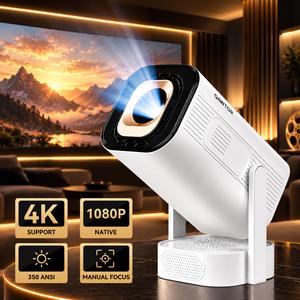
Bring the big-screen experience home with the Qawtor HY330 Portable Mini Projector. Featuring 350 ANSI Lumens, native 1080P Full HD resolution, and 4K video decoding support, this compact projector is designed for movies, TV shows, gaming, and everyday entertainment.
1. 350 ANSI Lumens & Native 1080P Full HD
Enjoy clear and detailed visuals with 350 ANSI Lumens brightness and native 1080P resolution. Supports 4K video decoding for compatible content, bringing your favorite movies and videos to a larger screen.
2. Android 13 Smart Operating System
Powered by Android 13, this smart projector offers convenient access to compatible entertainment applications, making it easy to enjoy your favorite content at home.
3. WiFi 6 & Bluetooth 5.0
Enjoy convenient wireless connectivity with WiFi 6 and Bluetooth 5.0. Supports wireless screen mirroring for compatible iOS and Android devices. Connect compatible Bluetooth audio devices for a more flexible entertainment experience.
4. Auto Focus & Keystone Correction
Enjoy convenient image adjustments with automatic focusing and keystone correction. Easily adjust the projected image to achieve a clearer and better-aligned viewing experience.
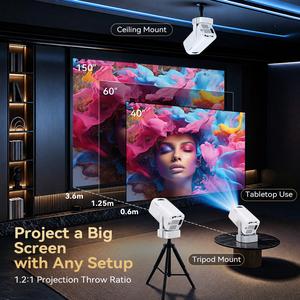
5. 0.9:1 Short Throw Projection
Designed with a 0.9:1 projection ratio, this projector can create a large viewing experience from a shorter distance, making it ideal for bedrooms, apartments, and smaller entertainment spaces.
6. Built-In Speaker
The built-in speaker provides convenient audio playback without requiring additional audio equipment for everyday viewing.
7. Portable Design for Multiple Scenarios
Compact and convenient to use in different environments.
Perfect for:
Bedroom Movie Nights
Home Theater Entertainment
Family Movie Nights
Gaming & Sports Watching
Backyard Movie Nights
Camping & Outdoor Entertainment
Setup & Usage Guide
Place the projector on a stable, flat surface.
Connect the projector to a suitable power source.
Turn on the projector and connect to WiFi.
Select your preferred content or use wireless screen mirroring.
Adjust the projection position and focus for a clear image.
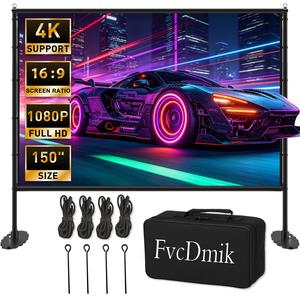
For the best viewing experience, use a white projection screen or flat white wall in a dark or low-light environment.
Warm Tips: Native 1080P refers to the actual display resolution, while 4K refers to supported video decoding rather than native 4K projection. Actual image quality may vary depending on ambient lighting, projection distance, and content source.