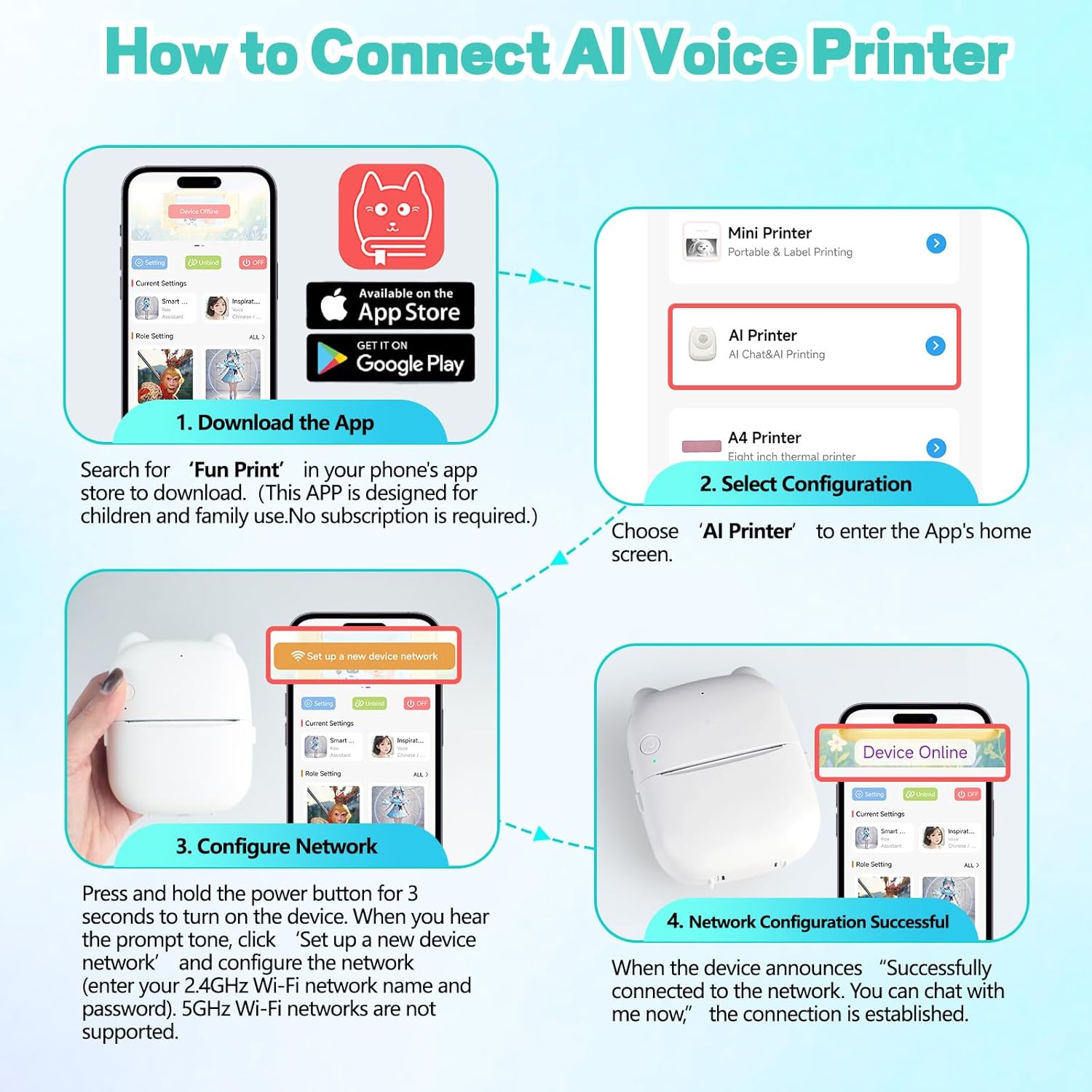
How to Connect the AI Voice Printer:
Step 1: Install the paper correctly into printer and Hold 3s to turn on the device.
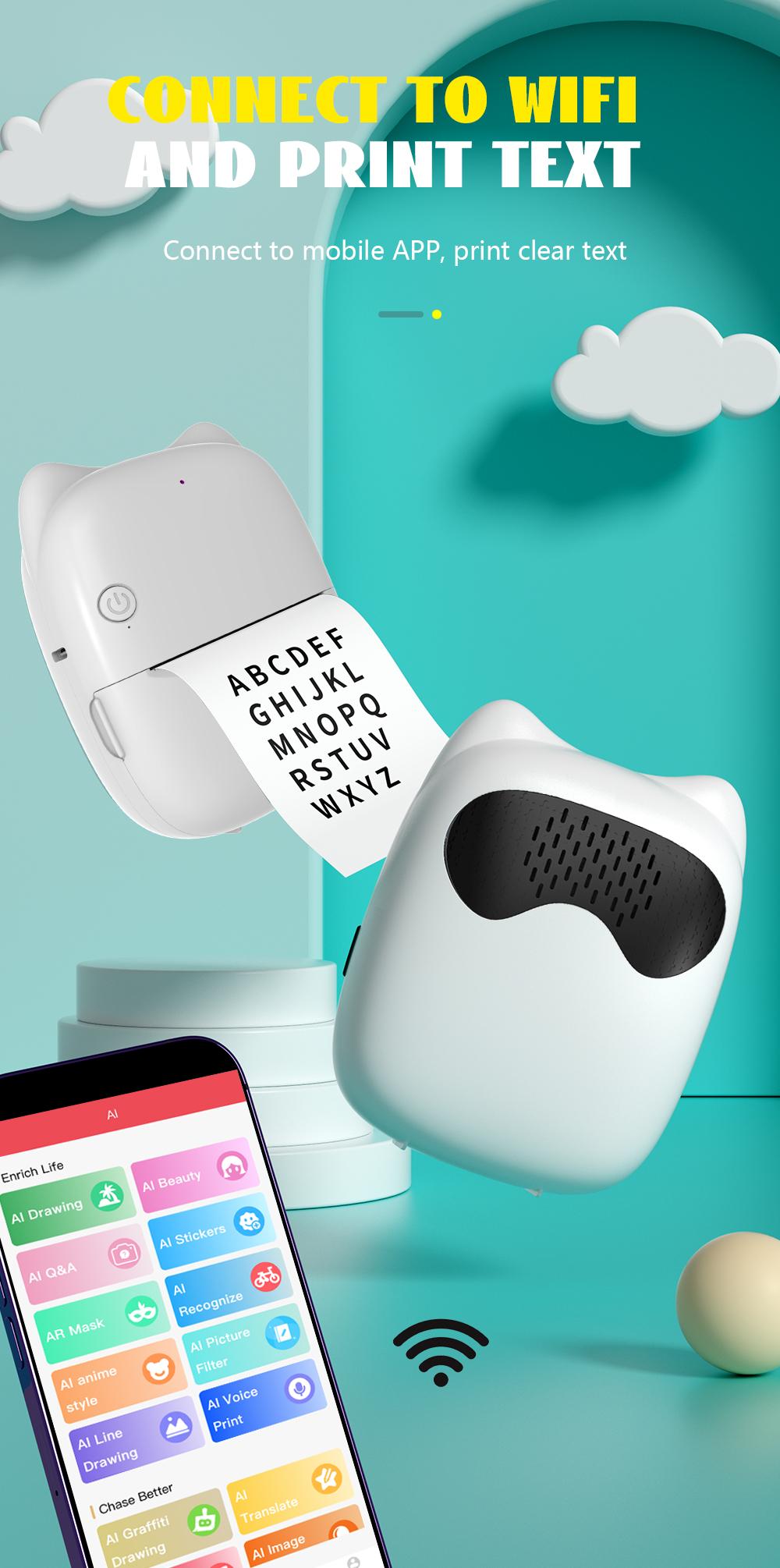
Step 2: Download the "Fun Print" app in your phone’s App Store or Google Play . Open the app, then tap “Switch Device” at the top right corner and select “AI Printer.” and then tap “Set up a new device network.” Once you see "My Device: AI01" listed, select it to configure the network. Enter your home 2.4GHz Wi-Fi network name and password, then click “Configuration.” (Note: It only works on 2.4 GHz Wi-Fi, 5GHz Wi-Fi networks are not supported)
Step 3: Once the printer announces, “Successfully connected to the network. You can chat with me now,” the connection is complete.
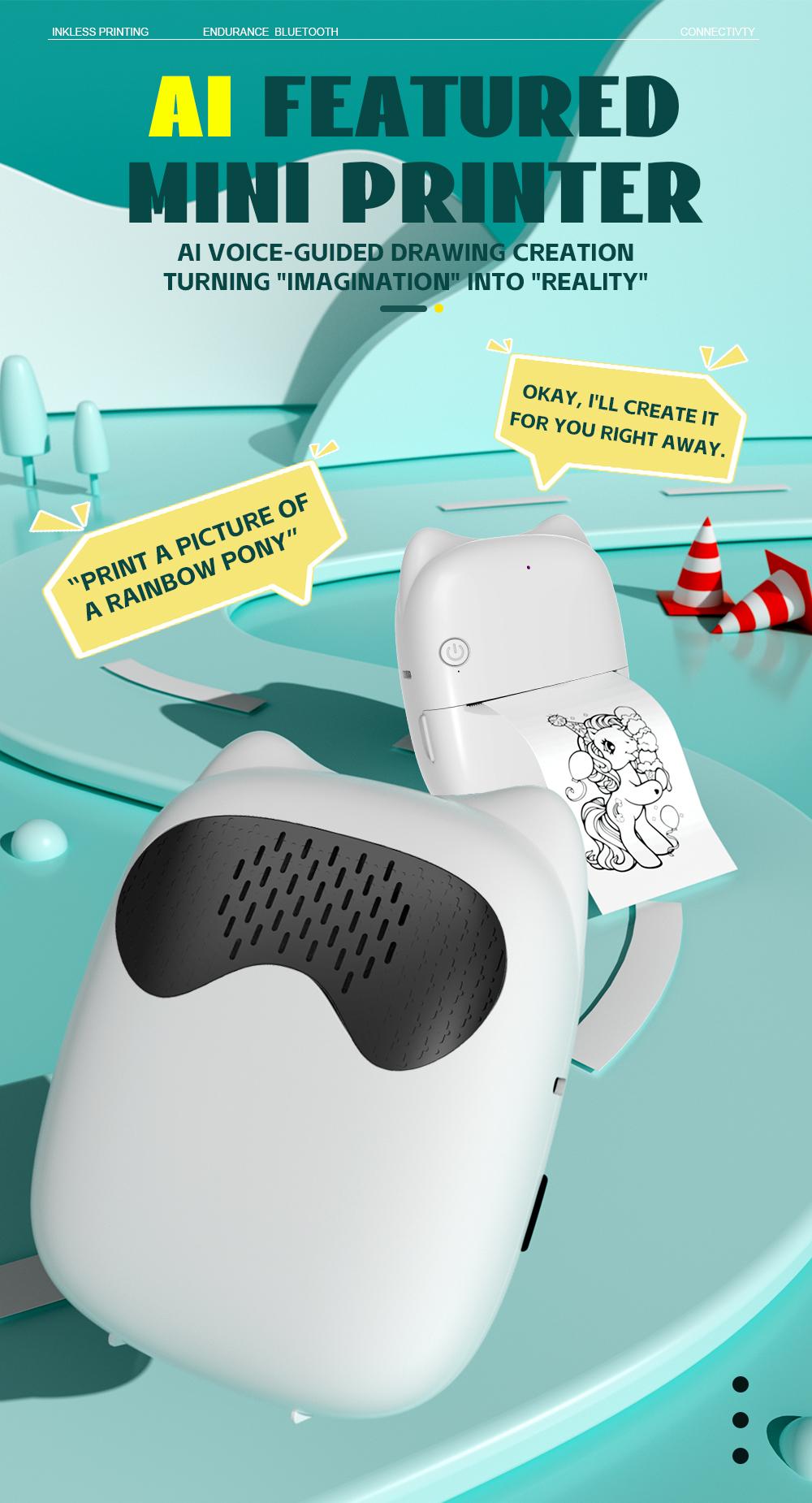
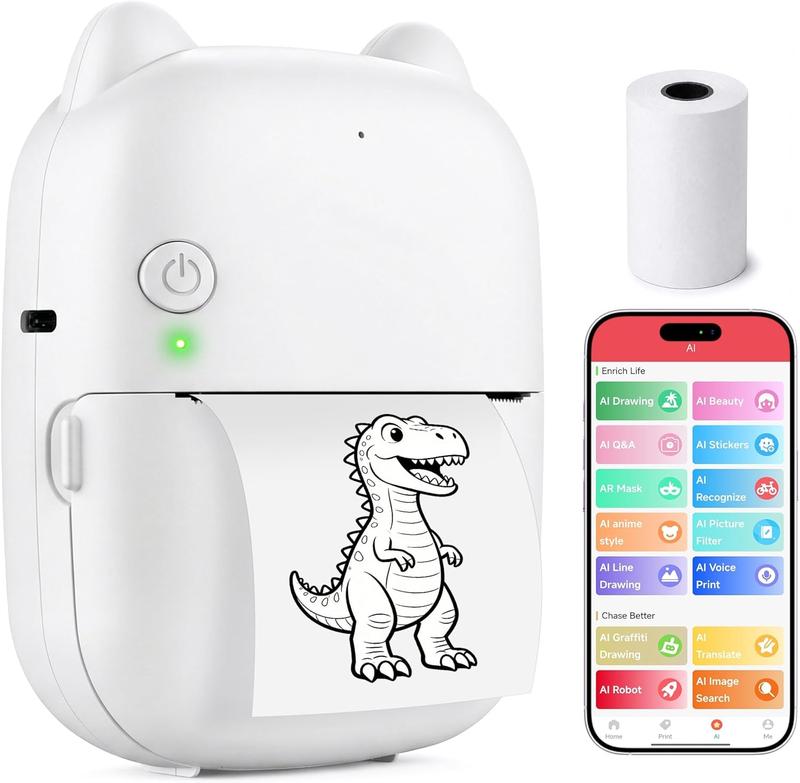
Afterward, press the power button on the AI Printer once. The green light will flash, then speak a command such as, “Print me a puppy.” The printer will begin printing.
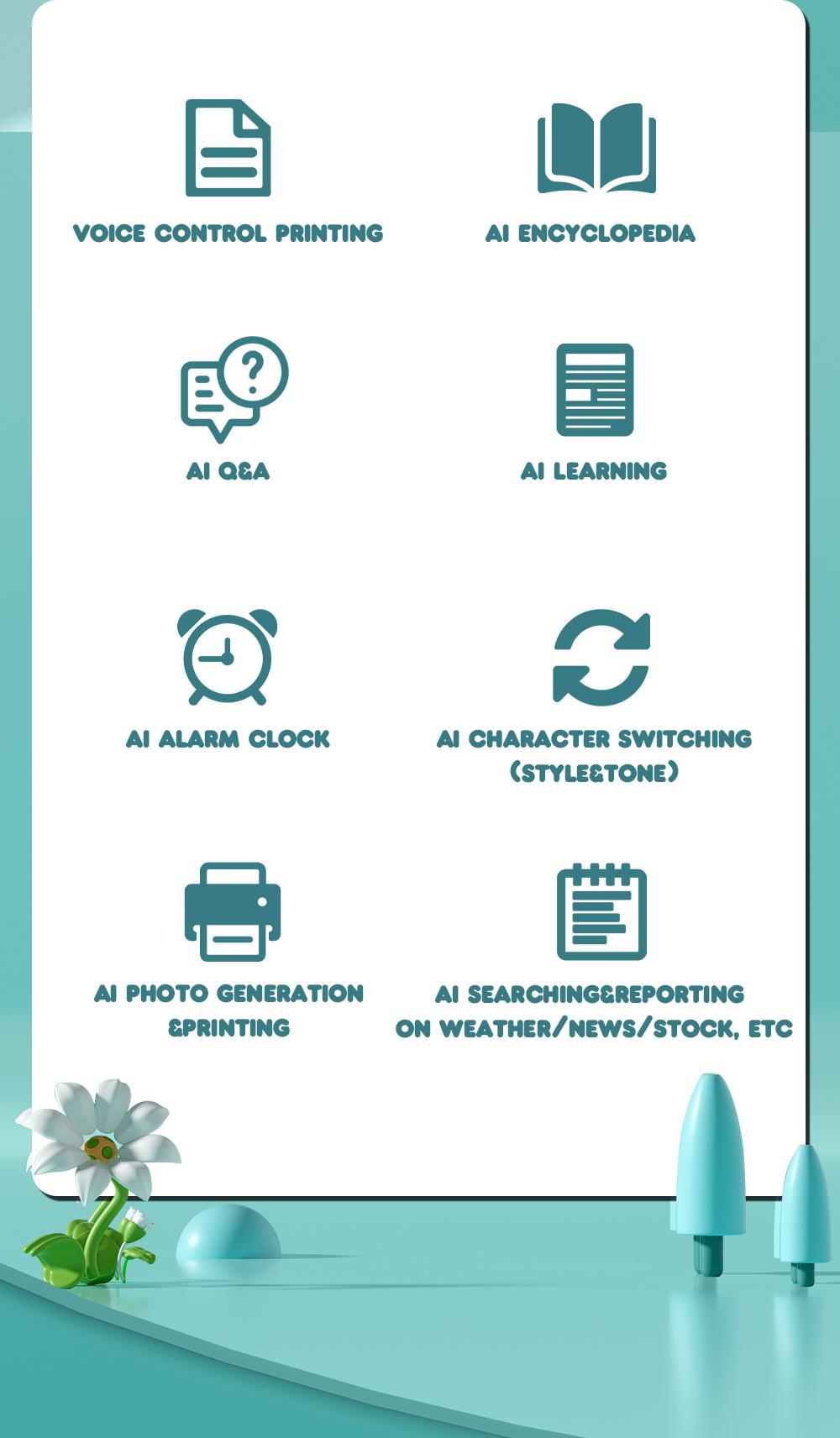
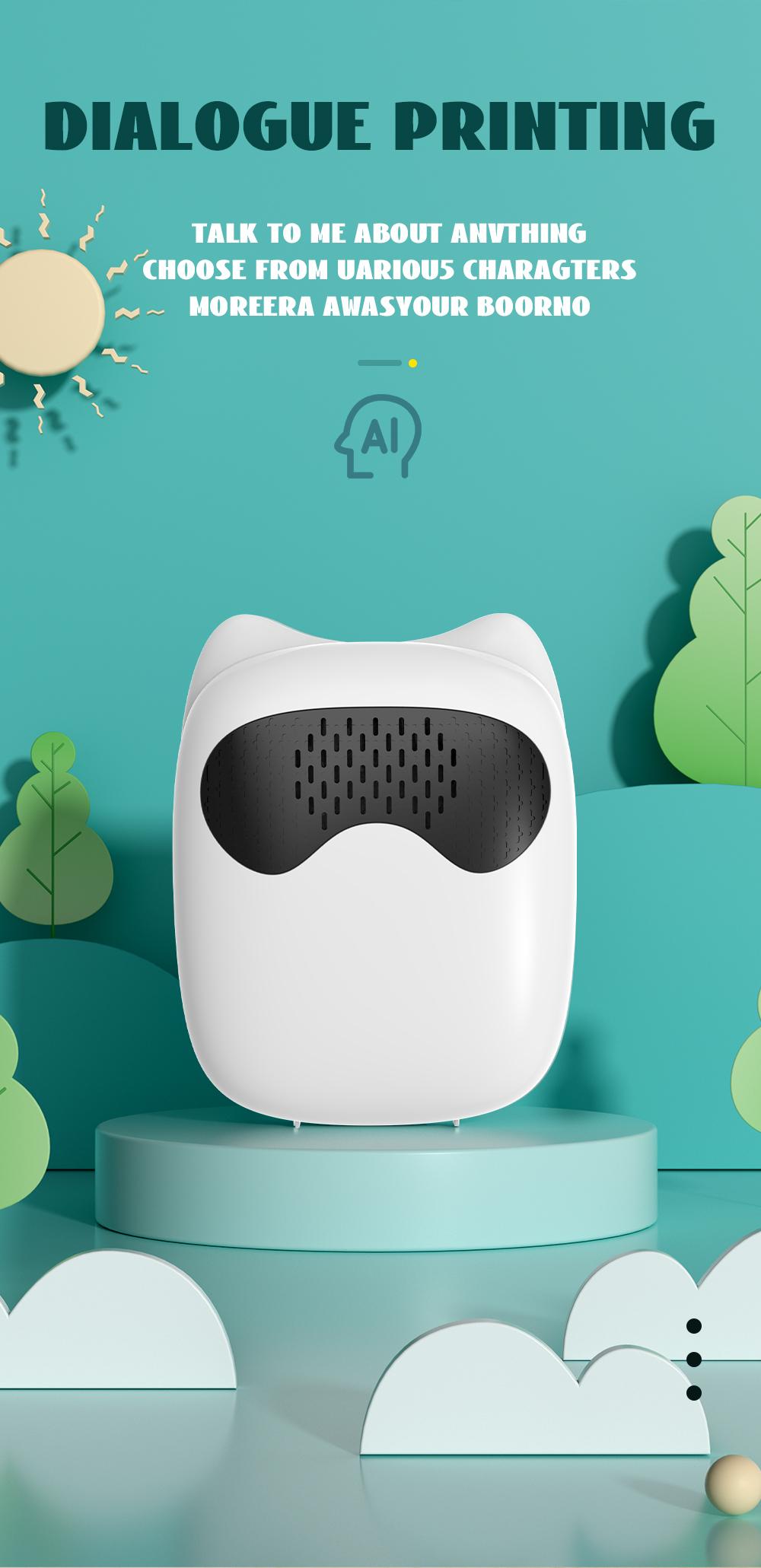
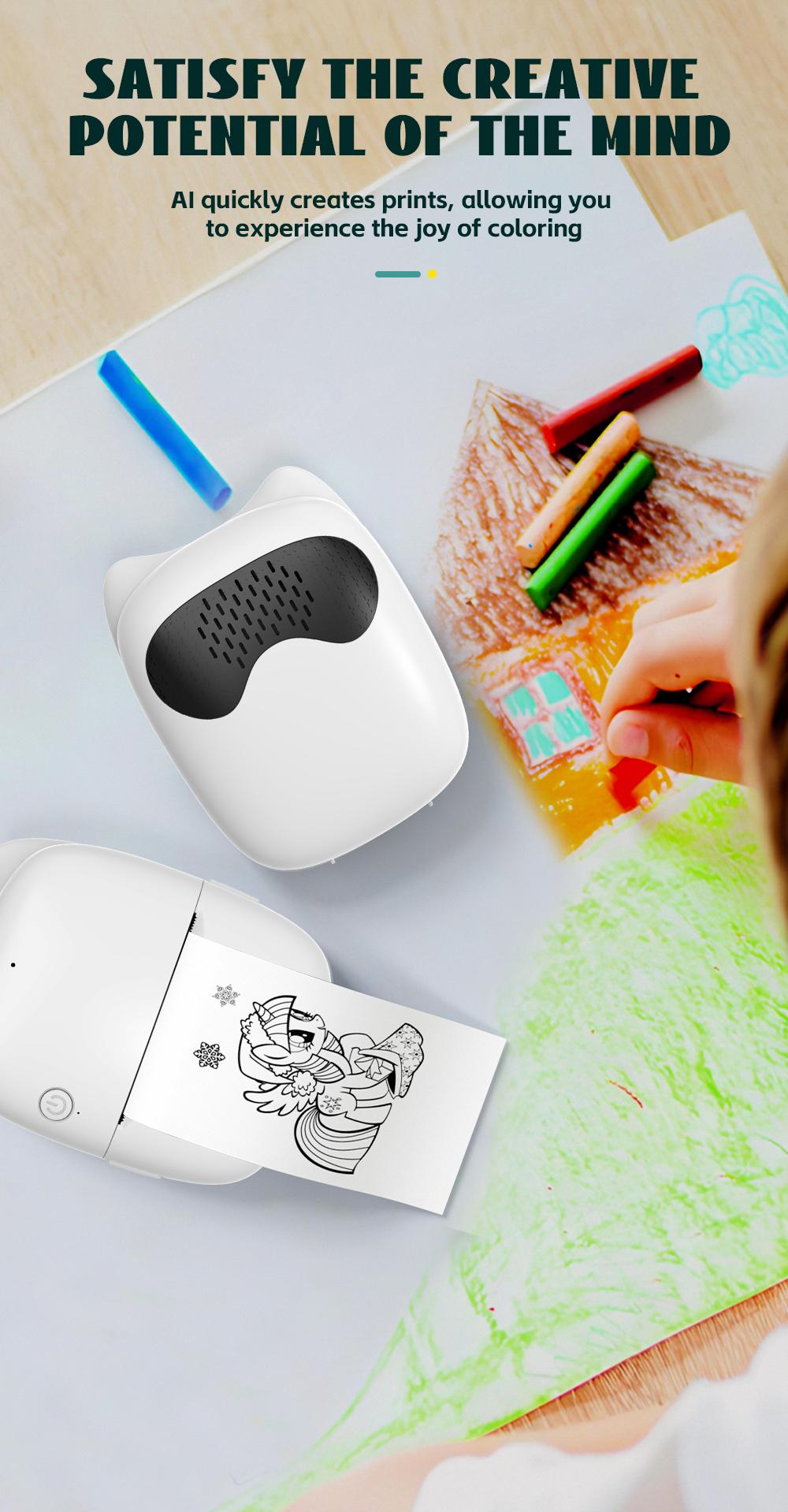
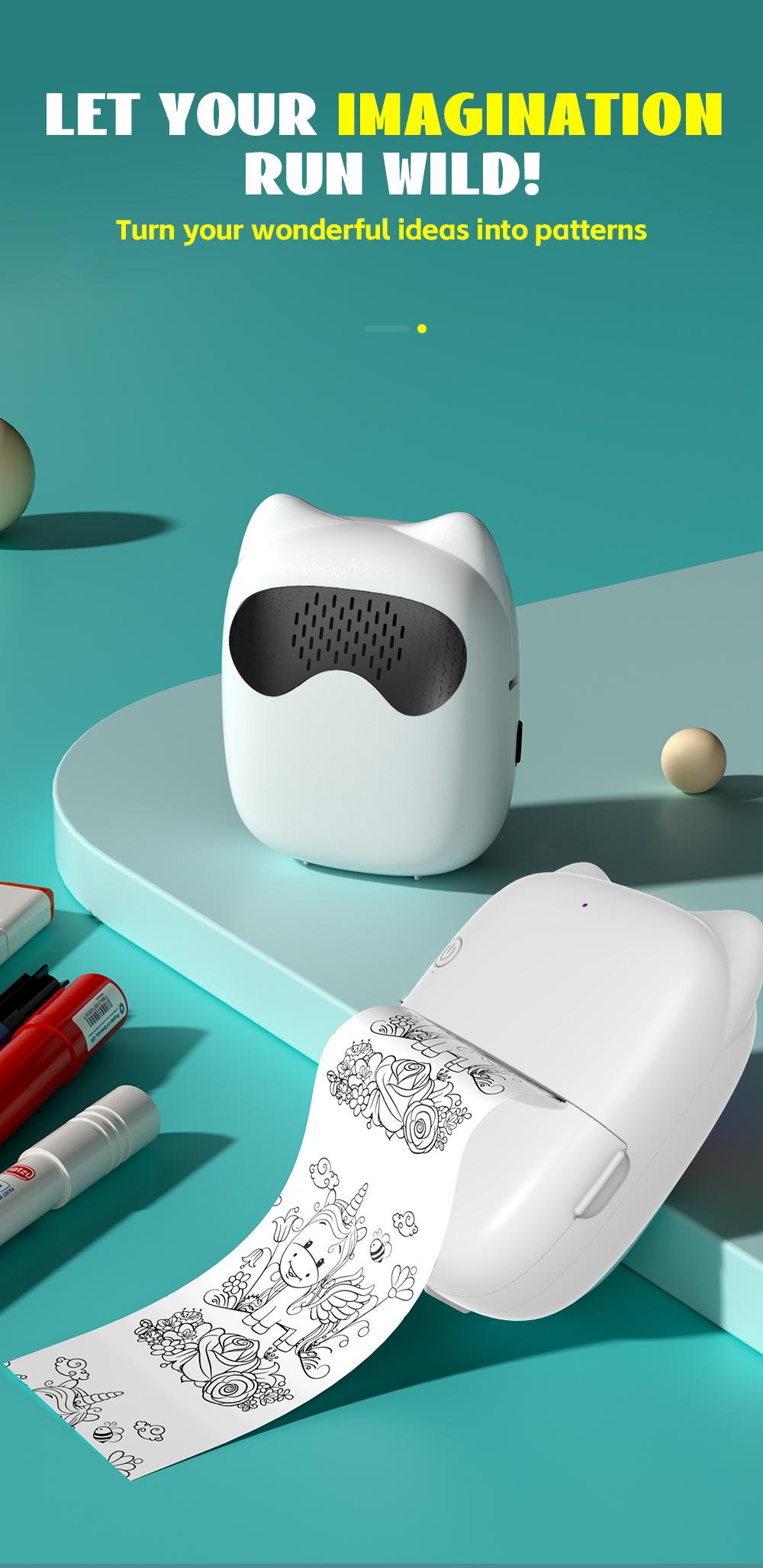
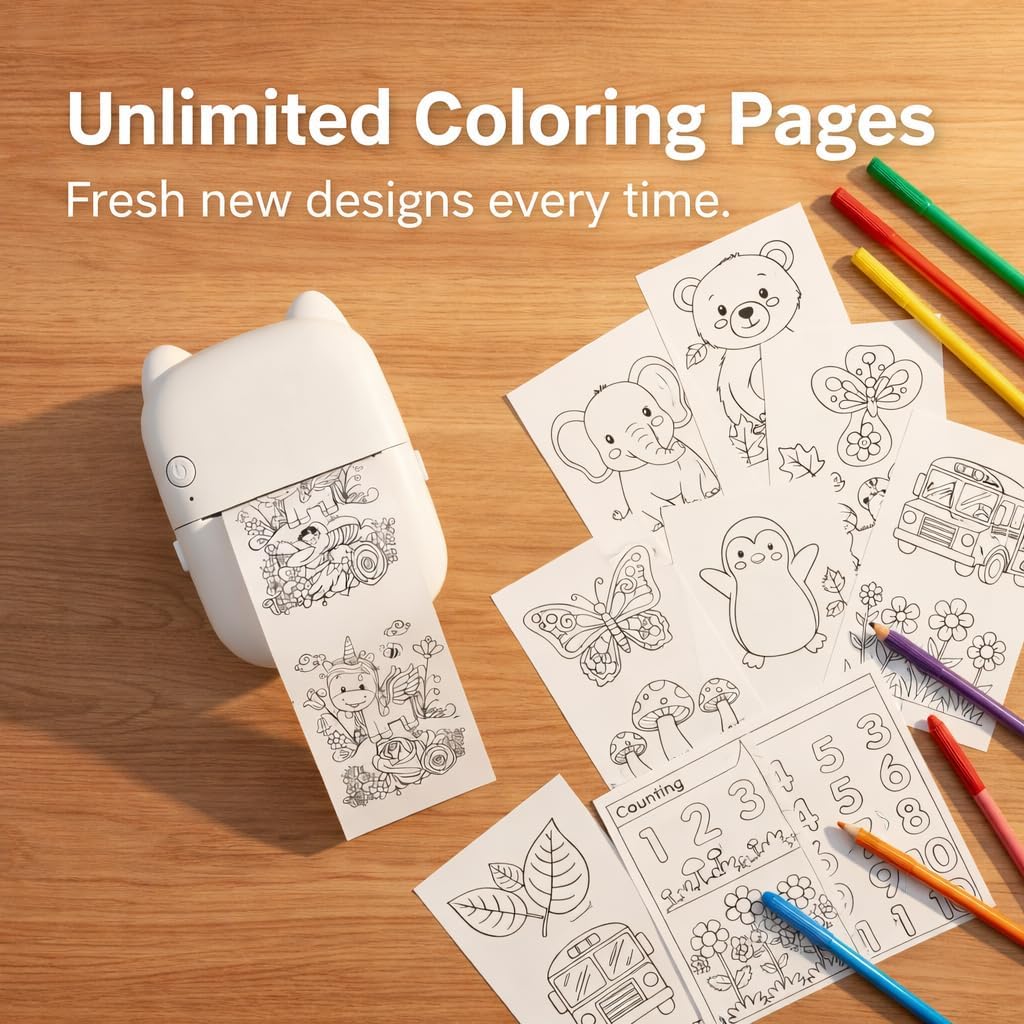
Additionally, the printer supports smart encyclopedia queries, interactive Q&A, and intelligent learning assistance. Kids can use simple voice commands to create stories, drawings, and fun content, ready for coloring and collecting—no typing needed!
How to change the voice language:
You can change the language on the homepage of the “Fun Print”APP on your phone. Scroll to the bottom of the screen and tap “Voice Settings” to view the available languages, then select the one you want.
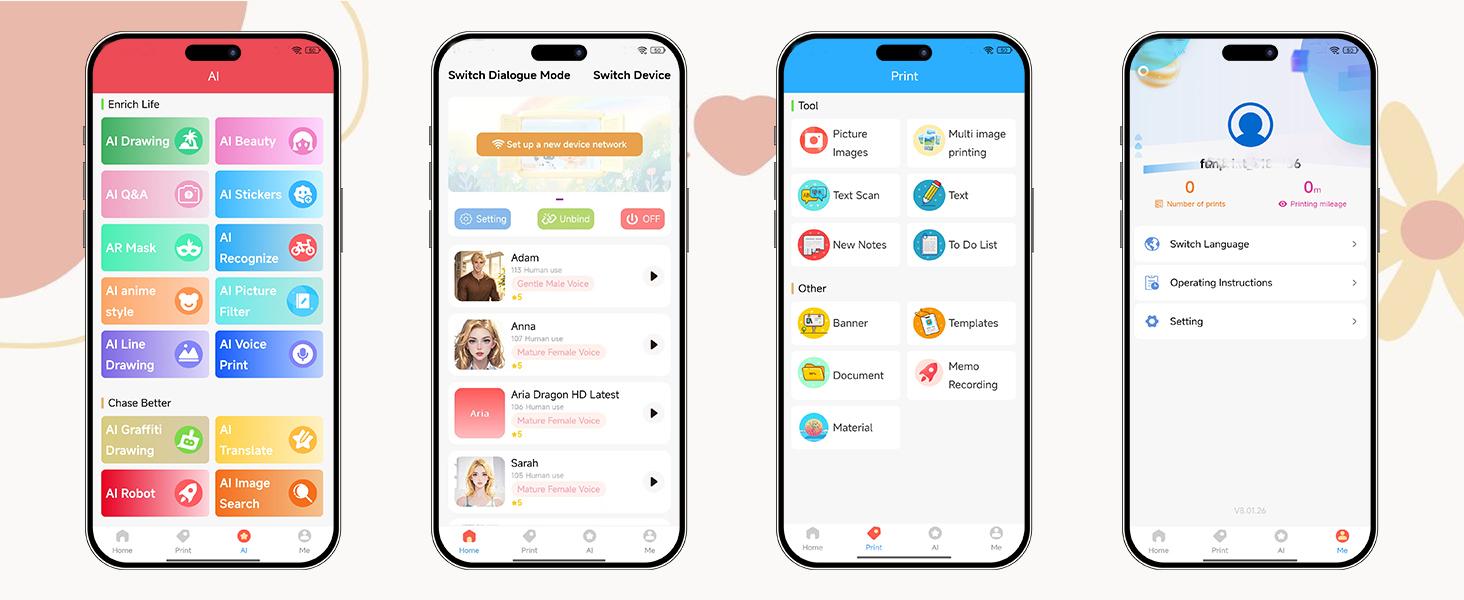
AI voice control ushers in a new era of smart printing. Beyond voice commands, you can use the "Fun Print" app to access a variety of templates for printing and creating study notes, memos, and more, enhancing learning and work efficiency(Note: The printer only supports black-and-white printing)
Easy to carry:
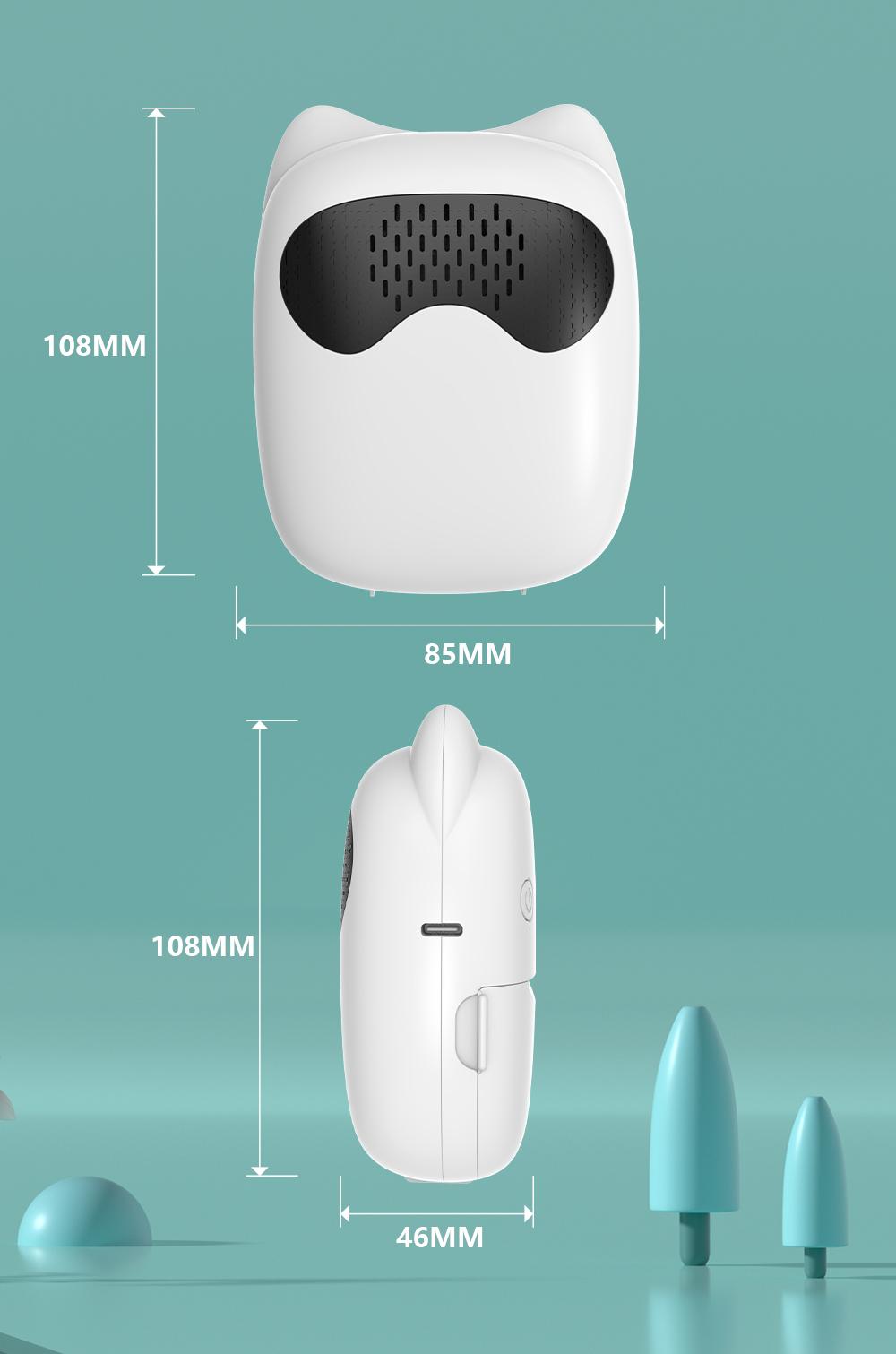
With its small size, the print pod is highly portable. You can effortlessly carry it in your bag or pocket, making it ideal for printing stickers anytime, anywhere—whether at home, school, or while traveling.
Product name: Al Mini printer (portable printer)
Size: 108*85*46MM
Weight: 173g
Battery capacity: 1200mah 3.7V Li-battery
Charging inteface: Type-C
Print parameters: 200dpi
Printing mode: Thermal/ink-less printing
Imaging mode: black and white
Accessory: Type-c cable + user manual + 1 roll paper
Printer paper: 57*25MM
Connection mode: Wireless connection via APP Wi-Fi